

- Passkeys let users authenticate with biometrics or device-bound credentials (like a fingerprint, PIN, or pattern), so login is faster and doesn’t require remembering a password.
- Passkeys synchronize credentials across devices so users don’t need to re-enroll on each new device.
- Passkeys are resistant to phishing because they use public key cryptography, so there are no shared secrets, and the user’s device generates unique keys for every account.
- Passkeys support more reliable recovery because the stored credentials can survive the loss of an originating device.
About passkeys on Auth0
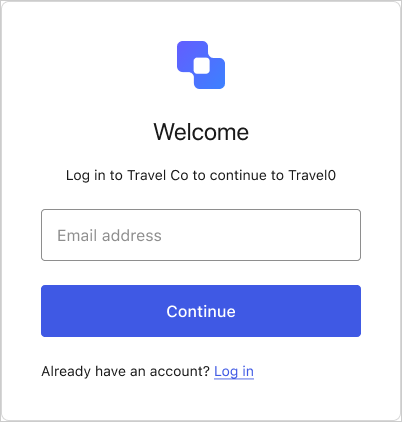
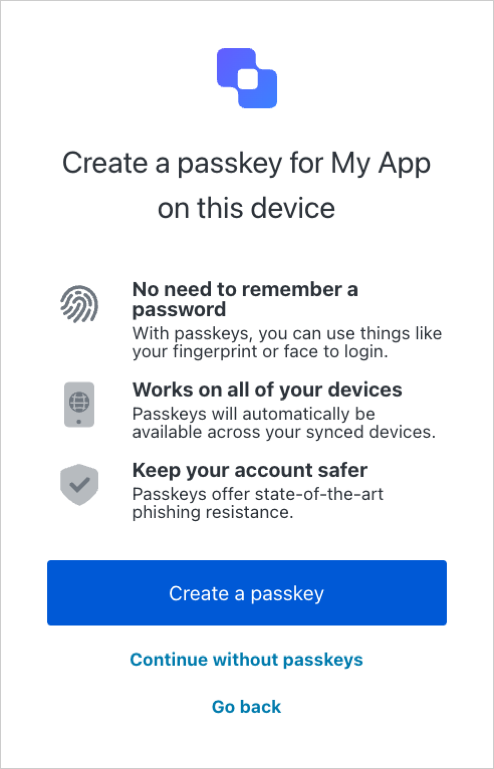
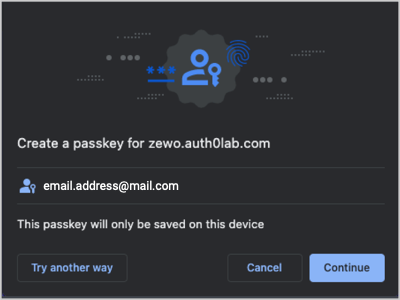
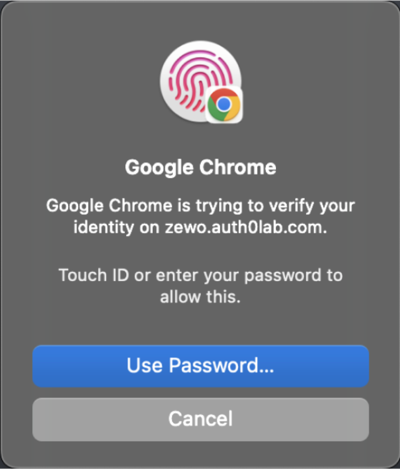
Auth0 supports passkeys as an authentication method for database connections. When you enable passkeys for your database connection, passkeys become available for users during sign-up and login.Sign-up flow preview
Sign-up flow preview
The sign-up UI prompts the user for their email address.
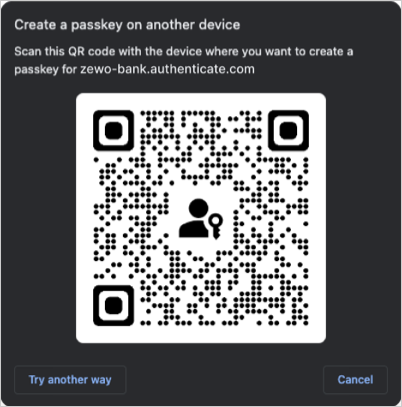
Login flow preview
Login flow preview
The login UI prompts the user for their email address and/or a passkey.
Your database connection’s passkey policy lets you choose whether the login UI allows autofill, displays the passkey button, or both.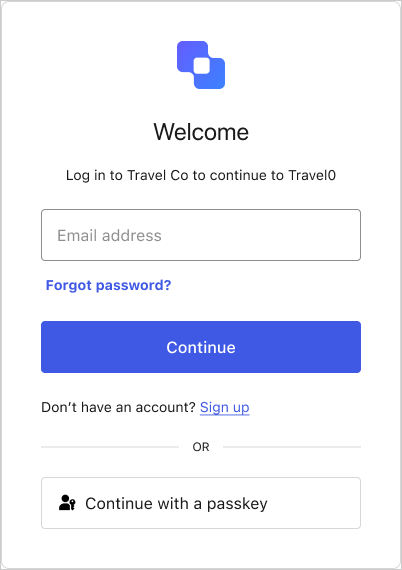 If the user enters their email, autofill suggests their stored passkeys alongside other credentials, like passwords.If the user selects the Continue with a passkey button, their credential manager prompts them to choose which passkey to use.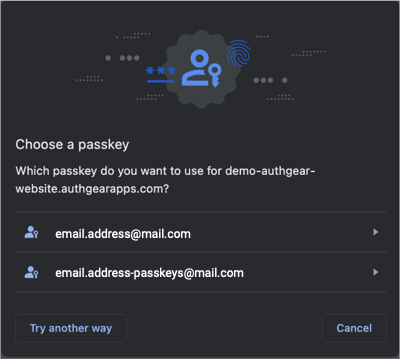
Learn more
Configure Passkey Authentication
How to enable and configure passkeys as an authentication method on a database connection.
Monitor Passkey Events in Tenant Logs
Event codes and descriptions for passkey events in tenant logs.